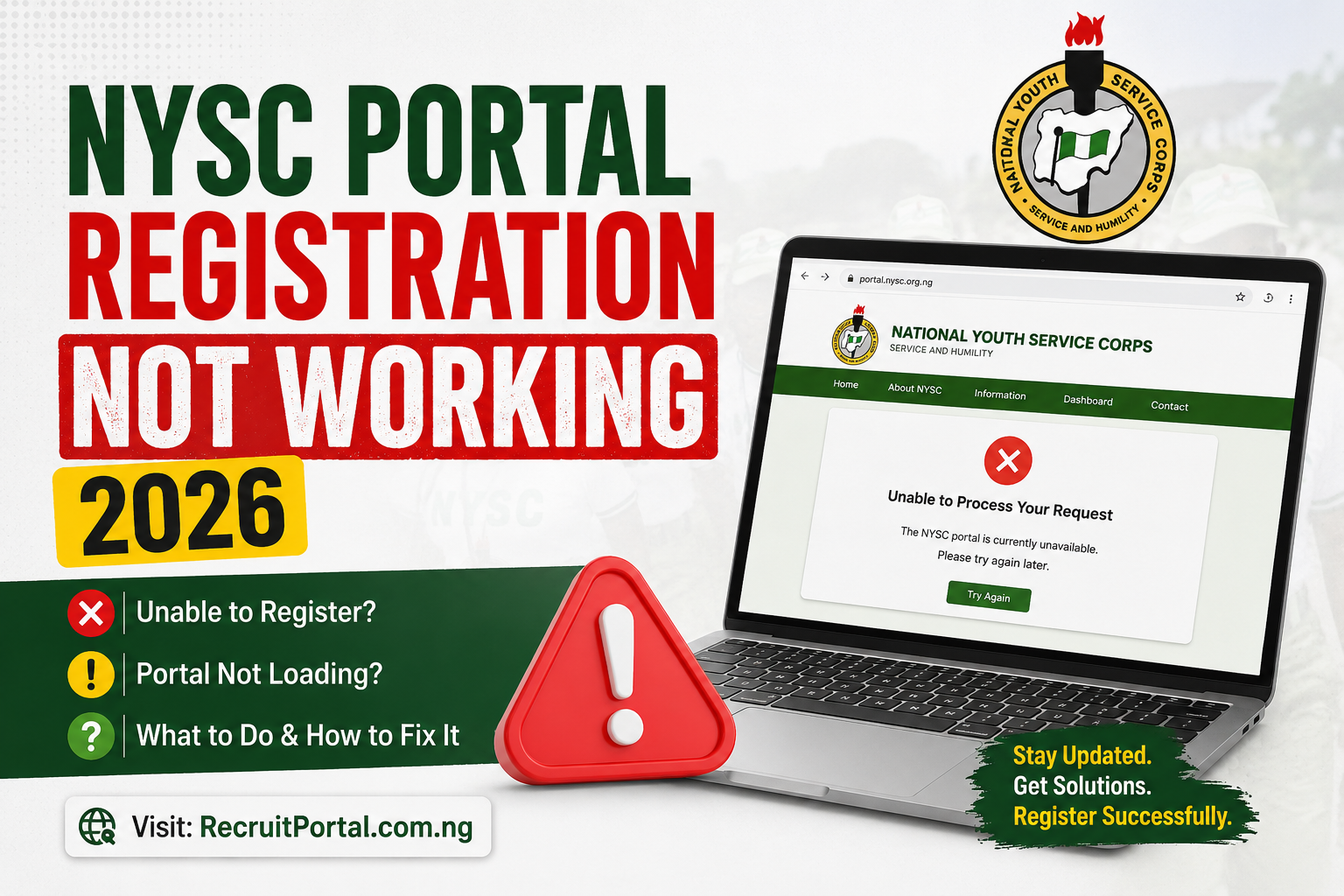
If you have been trying to register on the NYSC portal in 2026 and hitting a wall, you are not alone. Thousands of Prospective Corps Members (PCMs) are in the same position — some facing technical errors, others finding that the portal simply will not accept new registrations at all. The two situations are different, and understanding which one applies to you is the first step toward knowing what action to take.
Why the NYSC Portal May Not Be Working for You
There are two broad reasons PCMs report the NYSC portal as “not working” in 2026. The first is a technical issue on either the portal’s end or the user’s device. The second — and the more significant one this year — is a deliberate closure of fresh registration, which has nothing to do with a fault and everything to do with NYSC’s current mobilisation strategy.
Reason 1: Fresh Registration Is Currently Closed
This is the main reason many unregistered graduates cannot proceed on the NYSC portal in 2026. NYSC has confirmed that fresh online registration is not open for the current batch cycle, as the scheme is actively clearing a backlog of previously registered PCMs who are still awaiting their call-up numbers and call-up letters.
For Batch B Stream I 2026, the portal did not open for new registrations — camp was made up entirely of backlog PCMs from earlier registration windows. The situation is similar going into Stream II. NYSC’s position is clear: fresh registrations will only resume once the backlog has been substantially cleared. Checking the portal repeatedly will not change this; the window is simply not open yet for unregistered graduates.
Reason 2: Technical and Network-Related Errors
For PCMs who are within an active registration or dashboard access window, the most common technical problems include the following:
- Portal overload: When a new registration window opens, hundreds of thousands of PCMs try to access the portal simultaneously. The resulting server strain causes the site to slow down significantly or return error messages. This is one of the most persistent issues at the start of every batch registration cycle.
- Incorrect login credentials: A significant number of PCMs report “incorrect username or password” errors, often caused by using the wrong email address or a password they have since forgotten.
- Browser compatibility issues: The NYSC portal does not perform consistently across all browsers. Older browser versions and certain mobile browsers frequently trigger display or access errors.
- Network problems: Unstable internet connections cause the portal to time out mid-registration or fail to load specific sections like the photo upload or payment pages.
- Service provider payment errors: PCMs attempting to pay for their call-up letter printing sometimes encounter a “service provider network error” that prevents the transaction from completing.
- Document upload failures: Files that are too large, in the wrong format, or improperly named are a common source of registration stalls at the document upload stage.
How to Fix Common NYSC Portal Technical Errors
Portal Is Slow or Not Loading
Avoid accessing the portal immediately after a new registration window is announced. The first 24 to 48 hours of any NYSC registration window are always the heaviest traffic period. Try again early in the morning (before 7 a.m.) or late at night when server load is lower. A cyber café with a strong, stable internet connection is often more reliable than a personal mobile data connection during this period.
Login Errors — “Incorrect Username or Password”
First, confirm you are using the exact email address used during account creation. If you cannot remember your password, use the “Forgot Password” option on the login page to reset it — do not repeatedly try wrong passwords, as this can lock your account. Disable any VPN or proxy service before attempting to log in, as these can interfere with the portal’s authentication process.
Browser and Cache Issues
Use Google Chrome or Mozilla Firefox — these are the most compatible browsers for the NYSC portal. Before logging in, clear your browser cache and cookies. If the portal is not loading correctly on your phone, switch to desktop mode in your browser settings. For persistent issues, try a different device entirely.
Document Upload Failures
The NYSC portal accepts documents in JPEG or PDF format. Ensure your passport photograph and supporting documents are within the specified file size limits. If a file keeps failing to upload, compress it using a free online tool and try again. Also confirm that the name on your uploaded documents matches the name on your registration exactly.
Payment Page Errors
If you encounter a payment error, do not attempt the transaction multiple times in quick succession. Give it at least 30 minutes before trying again. Check your bank account or mobile wallet to confirm whether the deduction has already been made before retrying, to avoid double payments. If the issue persists beyond 24 hours, contact NYSC through the official support channel at nysc.gov.ng.
What Unregistered Graduates Should Do Right Now
If you have not yet registered for NYSC and the portal is not accepting fresh applications, there are still productive steps to take while you wait for the window to reopen:
- Confirm that your institution has uploaded your name to the NYSC Senate list portal. Without your name on the approved list, you cannot register regardless of when the portal opens.
- Check your school’s internal Senate list for errors in your name, date of birth, or matriculation number, and apply for corrections before the list is submitted to NYSC.
- Ensure you have a valid, accessible email address and a Nigerian phone number ready for registration.
- Monitor the NYSC portal at portal.nysc.org.ng and the official NYSC social media handles for any announcement of a new registration window.
- Do not pay anyone — at school or online — claiming they can accelerate your registration or secure portal access outside the official process.
Frequently Asked Questions
Why is the NYSC portal not accepting fresh registrations in 2026?
NYSC has temporarily suspended fresh online registration while it clears a backlog of previously registered PCMs who are still awaiting deployment. The portal for new registrations will reopen once NYSC announces a new mobilisation window. Keep monitoring the official portal for updates.
The NYSC portal keeps giving me errors during registration — what should I do?
Start by switching to Google Chrome or Firefox, clearing your browser cache, and ensuring you have a stable internet connection. Avoid peak-traffic periods immediately after a registration window opens. If the error relates to login credentials, use the “Forgot Password” feature to reset. For persistent payment errors, wait 24 hours before retrying and contact NYSC support if the problem continues.
Can I register for NYSC on my phone?
Yes, but desktop mode in your mobile browser is strongly recommended. Using a laptop or desktop computer at a cyber café with reliable internet tends to give the smoothest registration experience, particularly for photo uploads and payment processing.
My name is on the Senate list but I still cannot register — why?
If fresh registration is currently closed, being on the Senate list does not automatically trigger access. You will need to wait for NYSC to open the next registration window. If the portal has been open for your batch and you are still unable to register despite your name being on the approved list, contact your institution’s NYSC desk officer for assistance.
Is it safe to use a cyber café to access the NYSC portal?
Yes, cyber cafés are widely used by PCMs for NYSC registration and are generally safe for this purpose. After completing your session, log out of your dashboard and clear the browser history and saved passwords on the café’s computer before leaving.
Stay Informed Through Official Channels
The most reliable sources for NYSC portal updates are the official NYSC website at nysc.gov.ng and the portal itself at portal.nysc.org.ng. When a new registration window opens or a technical issue is resolved, NYSC typically makes an announcement on these platforms first. Bookmark both links and check back regularly rather than relying on unverified social media posts or WhatsApp forwards for portal status information.
Disclaimer: This article is published for informational purposes only. RecruitPortal.com.ng is not affiliated with the National Youth Service Corps (NYSC) or any agency of the Federal Government of Nigeria. Portal status, registration windows, and error fixes described here are based on verified reports and official NYSC communications available at the time of publication. Portal behaviour and policies may change. Always confirm the latest information directly on the official NYSC portal at portal.nysc.org.ng or the NYSC website at nysc.gov.ng.

Rebecca Nwosu is a content writer and researcher passionate about Government Recruitment, NYSC updates, and career opportunities in Nigeria. She provides accurate, timely, and practical information to help readers stay informed.